Google Workspace
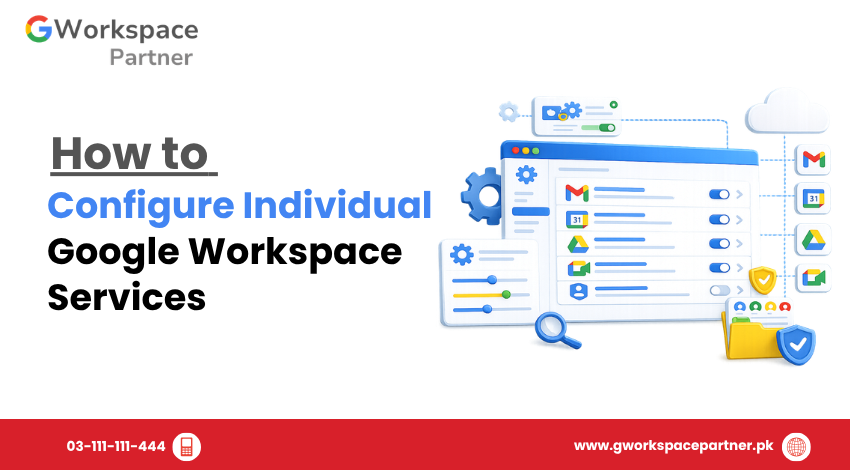
How to Configure Individual Google Workspace Services Google Workspace bundles many apps together — Gmail, Drive, Calendar, Meet, Chat, and more. But not every business needs every app turned on the same way for every team. That’s where individual service configuration comes in. This guide shows you how to configure individual Google Workspace services from […]
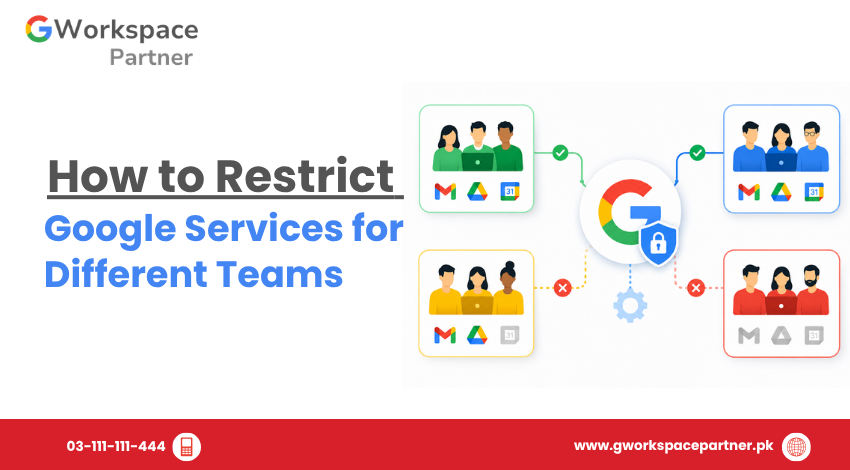
How to Restrict Google Services for Different Teams Not every team in your organization needs access to every Google service. Your sales team probably doesn’t need Google Sites. Your finance team may not need Google Chat. Giving everyone the same access by default is one of the most common mistakes Pakistani businesses make when setting […]
How to Manage Google Workspace Marketplace Apps Google Workspace Marketplace apps let businesses in Pakistan extend Gmail, Drive, and Calendar with extra tools — from e-signature apps to project trackers. But once employees start installing apps on their own, admins can lose track of what has access to company data. This guide shows Google Workspace […]
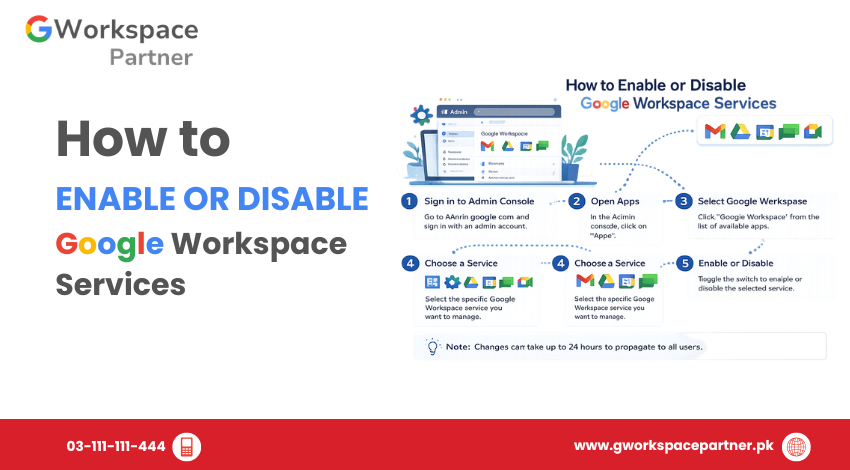
How to Enable or Disable Google Workspace Services Google Workspace administrators can control which apps and core services are available to users through the Google Admin Console. Services such as Gmail, Google Drive, Google Meet, Google Calendar, and Google Chat can be enabled or disabled based on organizational requirements. This allows businesses, schools, NGOs, and […]
How to Transfer User Data Before Deleting an Account When an employee leaves your company, deleting their Google Workspace account may seem like the final step. However, removing an account too soon can lead to the loss of important business files, emails, calendars, and other work-related data. Before you delete a user, it’s important to […]
Understanding Google Workspace Administrator Roles Managing a Google Workspace organization doesn’t always mean giving every administrator full control. As your business grows, different team members may need access to specific settings without having permission to manage everything. That’s where Google Workspace administrator roles become important. Instead of assigning complete administrative access to everyone, Google Workspace […]
How to Assign Admin Roles in Google Workspace As your organization grows, one person shouldn’t have to manage every Google Workspace setting. Your HR team may need to create user accounts, your IT team may need to reset passwords, and your finance department may need access to billing information. Giving all of them Super Admin […]
How to Add, Edit, and Remove Users in Google Workspace Managing user accounts is one of the most important responsibilities of a Google Workspace administrator. Every time a new employee joins your company, a staff member changes roles, or someone leaves the organization, you’ll need to update their Google Workspace account accordingly. This guide focuses […]
How Google Workspace Supports Remote Learning Remote learning changed the way educational institutions operate in Pakistan. During school closures and hybrid learning periods, many schools, academies, and colleges relied heavily on WhatsApp groups, Zoom links, personal Gmail accounts, and manually shared PDF files to continue classes. At first, this worked as a temporary solution. But […]
Getting Started with Google Classroom in Pakistan: Your Simple Guide to Digital Teaching If you’re a teacher, school administrator, or student in Pakistan looking to make classroom management easier and more organized, this guide is for you. At gworkspacepartner.pk, through our sister concern creativeON (an official Google Partner and Reseller in Pakistan), we help schools […]