
How to Create Organizational Units in Google Workspace
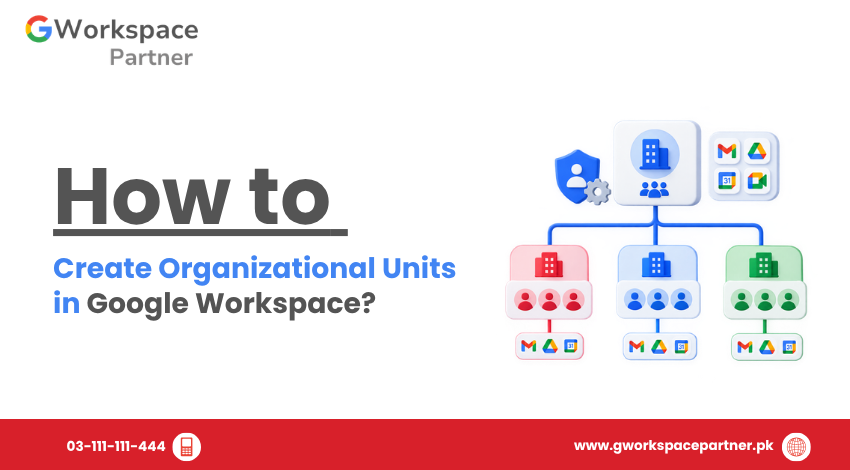
How to Create Organizational Units in Google Workspace Need to separate Google Workspace users by department, role, or function? You can create Organizational Units (OUs) in the Google Admin Console and use them to organize users and apply different settings where needed. For example, a software company might create OUs for Developers, Sales, HR, and […]
What Are Organizational Units in Google Workspace?
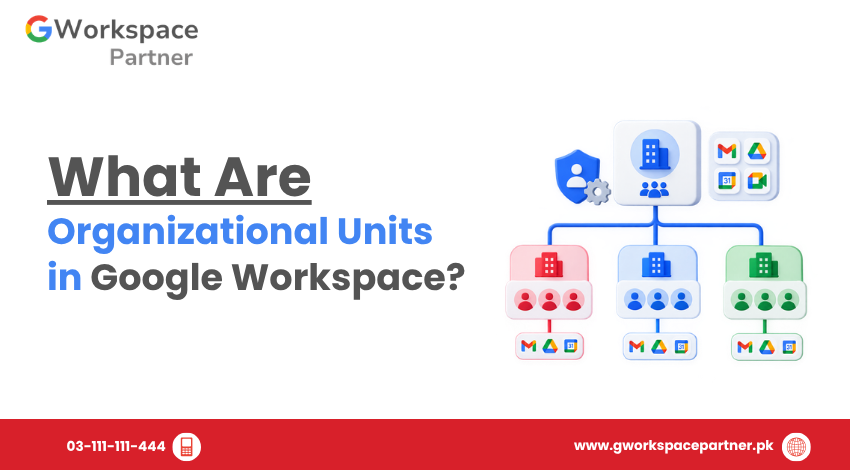
What Are Organizational Units in Google Workspace? Organizational units (OUs) in Google Workspace help administrators organize users into a hierarchy and apply different supported settings to different users. For example, a business could place its Sales, Finance, and IT users in separate OUs. A school could separate teachers, students, and administrative staff. The important point […]
How to Manage Google Workspace Marketplace Apps
How to Manage Google Workspace Marketplace Apps Google Workspace Marketplace apps let businesses in Pakistan extend Gmail, Drive, and Calendar with extra tools — from e-signature apps to project trackers. But once employees start installing apps on their own, admins can lose track of what has access to company data. This guide shows Google Workspace […]
How to Enable or Disable Google Workspace Services
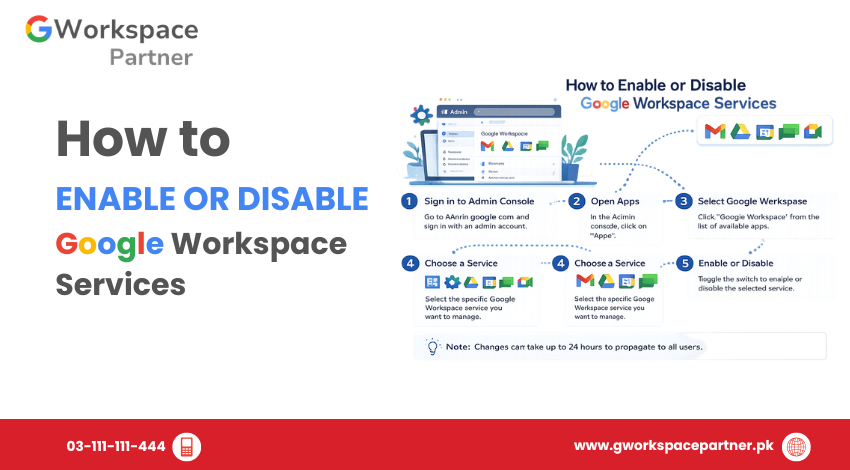
How to Enable or Disable Google Workspace Services Google Workspace administrators can control which apps and core services are available to users through the Google Admin Console. Services such as Gmail, Google Drive, Google Meet, Google Calendar, and Google Chat can be enabled or disabled based on organizational requirements. This allows businesses, schools, NGOs, and […]
How to Transfer User Data Before Deleting an Account
How to Transfer User Data Before Deleting an Account When an employee leaves your company, deleting their Google Workspace account may seem like the final step. However, removing an account too soon can lead to the loss of important business files, emails, calendars, and other work-related data. Before you delete a user, it’s important to […]
Understanding Google Workspace Administrator Roles
Understanding Google Workspace Administrator Roles Managing a Google Workspace organization doesn’t always mean giving every administrator full control. As your business grows, different team members may need access to specific settings without having permission to manage everything. That’s where Google Workspace administrator roles become important. Instead of assigning complete administrative access to everyone, Google Workspace […]
How to Assign Admin Roles in Google Workspace
How to Assign Admin Roles in Google Workspace As your organization grows, one person shouldn’t have to manage every Google Workspace setting. Your HR team may need to create user accounts, your IT team may need to reset passwords, and your finance department may need access to billing information. Giving all of them Super Admin […]
How to Add, Edit, and Remove Users in Google Workspace
How to Add, Edit, and Remove Users in Google Workspace Managing user accounts is one of the most important responsibilities of a Google Workspace administrator. Every time a new employee joins your company, a staff member changes roles, or someone leaves the organization, you’ll need to update their Google Workspace account accordingly. This guide focuses […]
How to Add Multiple Users in Google Workspace (Bulk Import CSV Made Easy)
How to Add Multiple Users in Google Workspace (Bulk Import CSV Made Easy) Adding users to Google Workspace doesn’t have to be time-consuming or complicated. Whether you’re managing a growing business or a busy school, bulk user creation (CSV import) lets you set up dozens—or even hundreds—of accounts in just a few clicks. At gworkspacepartner.pk, […]