
How SEO Teams Can Use Google Workspace to Organize SEO Work
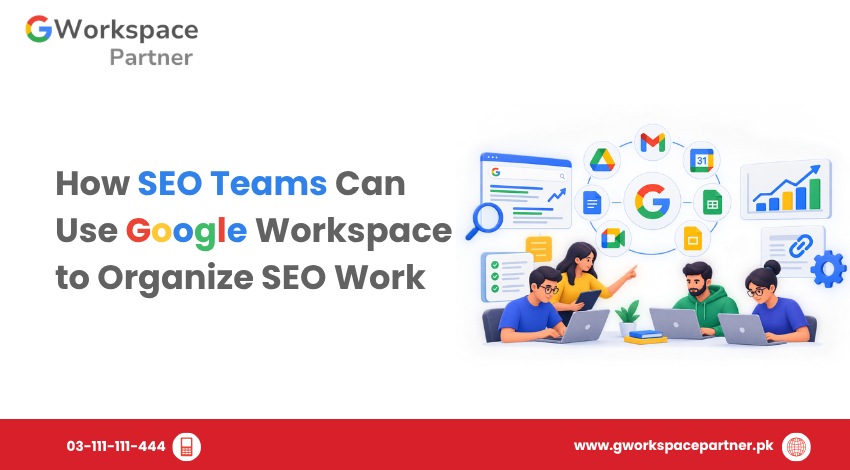
Dummy post title / Lorem Ipsum SEO teams manage many connected activities, including keyword research, content planning, technical fixes, on-page optimization, and performance reporting. When tasks, documents, and deadlines are spread across different tools, it becomes harder to track progress and coordinate work. Google Workspace can help SEO teams organize these activities through shared spreadsheets, […]
Managing Policies with Organizational Units
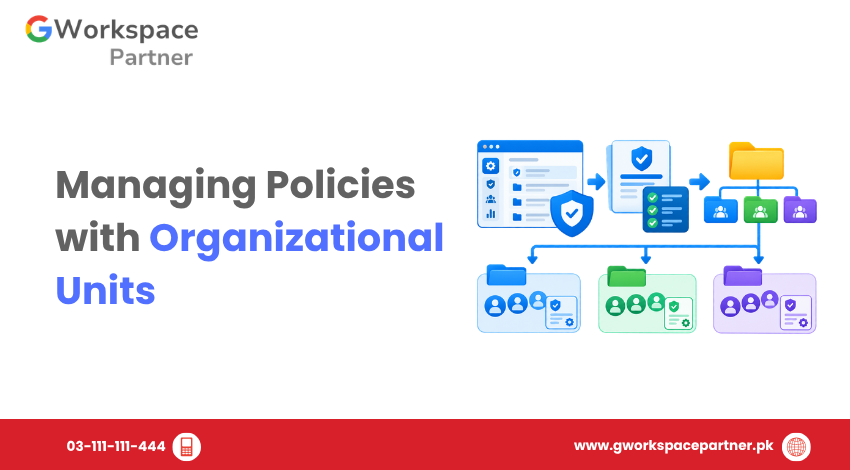
Dummy post title / Lorem Ipsum Google Workspace organizational units (OUs) let administrators apply different settings and supported policies to different groups of users. This is useful when employees, interns, departments, or other users need different configurations. For example, a software company in Pakistan might use separate organizational units for employees and interns and apply […]
How to Move a User Between Organizational Units in Google Workspace
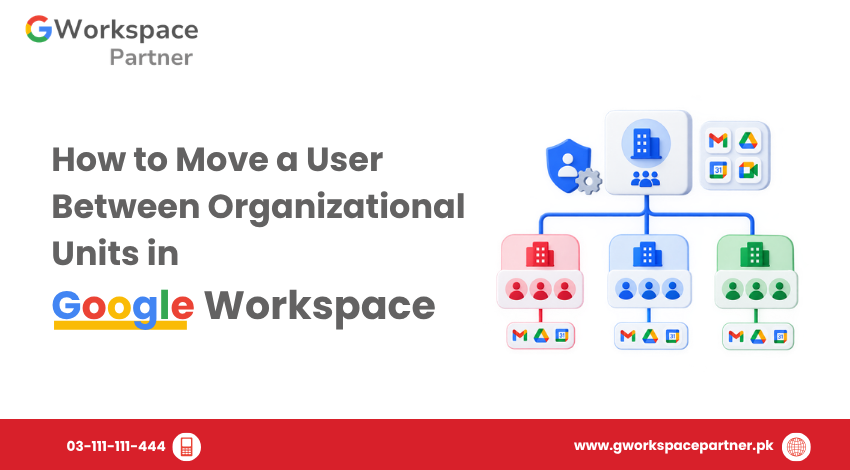
Dummy post title / Lorem Ipsum Google Workspace administrators can move users between Organizational Units (OUs) when an employee changes departments, a student moves to another grade, or an account needs to follow a different set of organizational policies. Because Organizational Units can have different Google Workspace settings, always check the destination OU before moving […]
Organizational Units vs Google Groups in Google Workspace
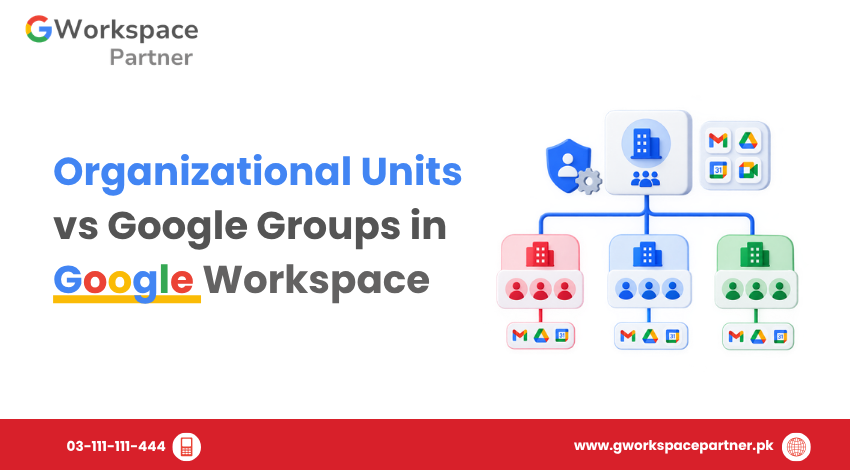
Organizational Units vs Google Groups in Google Workspace When managing users in Google Workspace, administrators often use both Organizational Units (OUs) and Google Groups. They may appear similar because both can contain multiple users, but they serve different purposes. An Organizational Unit primarily defines a user’s place in the administrative structure and helps administrators apply […]
How to Create Organizational Units in Google Workspace
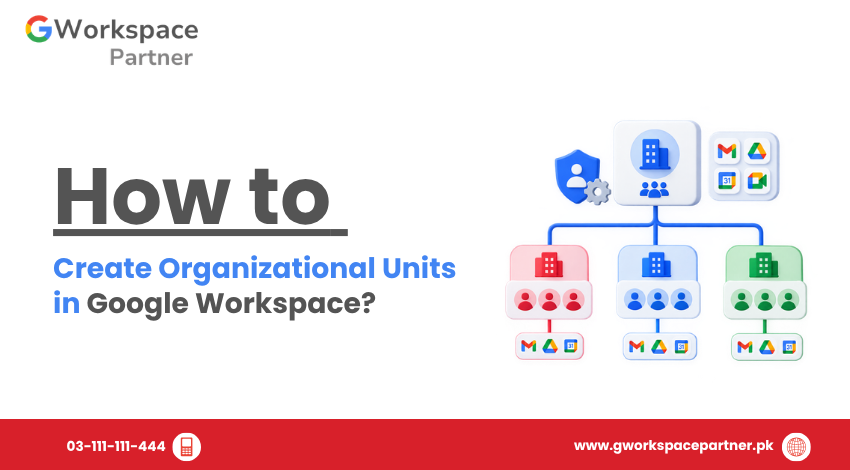
How to Create Organizational Units in Google Workspace Need to separate Google Workspace users by department, role, or function? You can create Organizational Units (OUs) in the Google Admin Console and use them to organize users and apply different settings where needed. For example, a software company might create OUs for Developers, Sales, HR, and […]
What Are Organizational Units in Google Workspace?
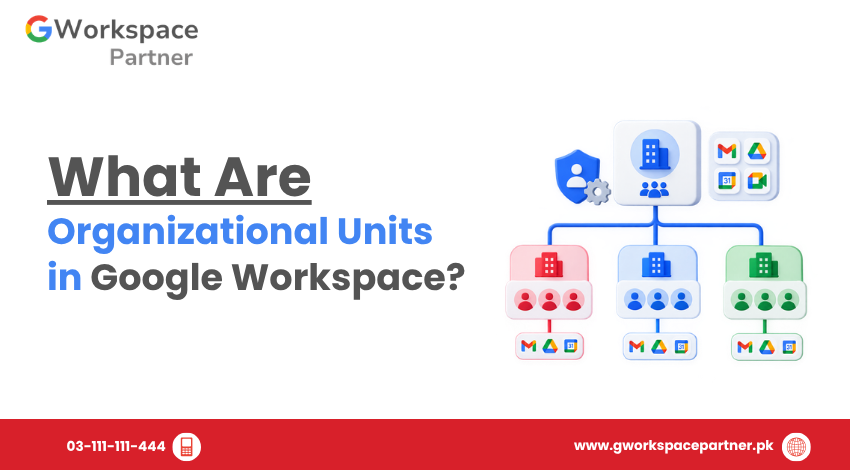
What Are Organizational Units in Google Workspace? Organizational units (OUs) in Google Workspace help administrators organize users into a hierarchy and apply different supported settings to different users. For example, a business could place its Sales, Finance, and IT users in separate OUs. A school could separate teachers, students, and administrative staff. The important point […]
How to Configure Individual Google Workspace Services
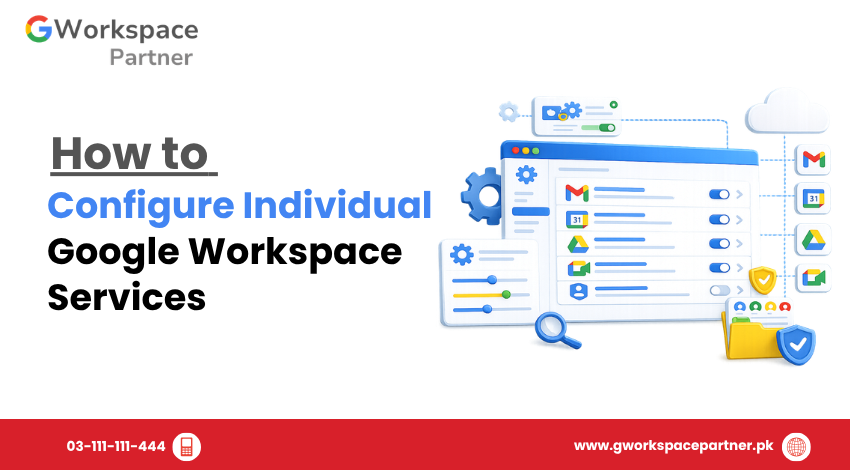
How to Configure Individual Google Workspace Services Google Workspace bundles many apps together — Gmail, Drive, Calendar, Meet, Chat, and more. But not every business needs every app turned on the same way for every team. That’s where individual service configuration comes in. This guide shows you how to configure individual Google Workspace services from […]
How to Restrict Google Services for Different Teams
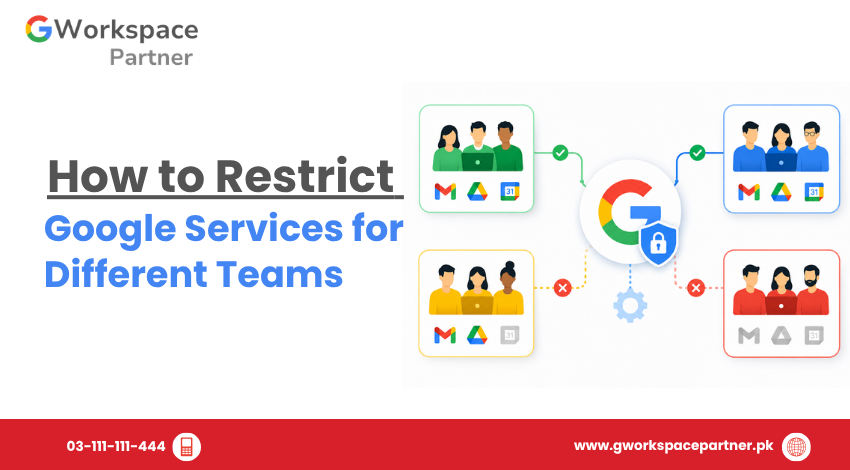
How to Restrict Google Services for Different Teams Not every team in your organization needs access to every Google service. Your sales team probably doesn’t need Google Sites. Your finance team may not need Google Chat. Giving everyone the same access by default is one of the most common mistakes Pakistani businesses make when setting […]
How to Manage Google Workspace Marketplace Apps
How to Manage Google Workspace Marketplace Apps Google Workspace Marketplace apps let businesses in Pakistan extend Gmail, Drive, and Calendar with extra tools — from e-signature apps to project trackers. But once employees start installing apps on their own, admins can lose track of what has access to company data. This guide shows Google Workspace […]
How to Enable or Disable Google Workspace Services
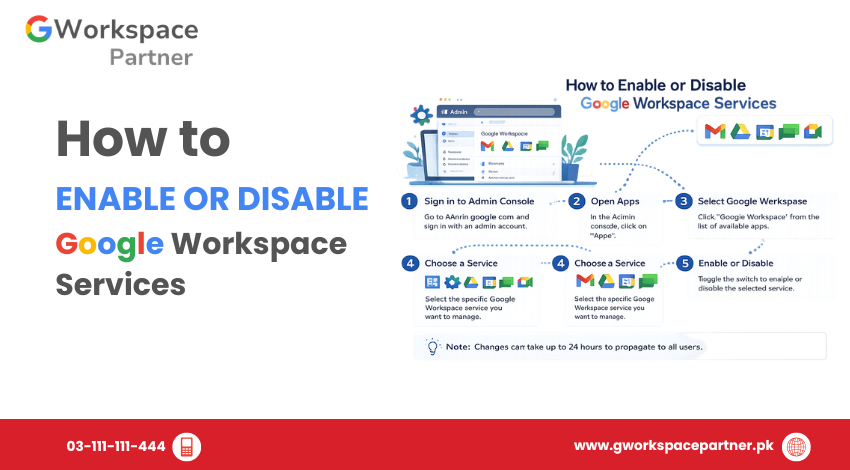
How to Enable or Disable Google Workspace Services Google Workspace administrators can control which apps and core services are available to users through the Google Admin Console. Services such as Gmail, Google Drive, Google Meet, Google Calendar, and Google Chat can be enabled or disabled based on organizational requirements. This allows businesses, schools, NGOs, and […]